Notion Template5.0(2)
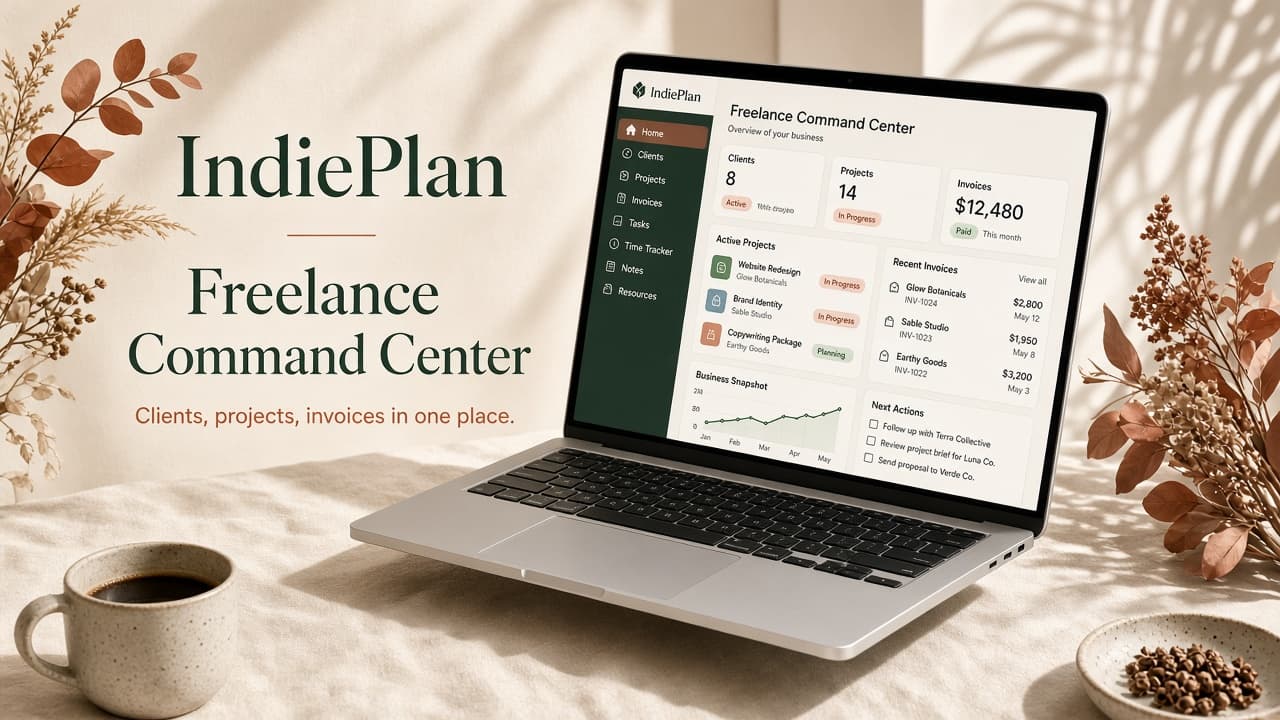
Freelance Command Center
A Notion workspace that keeps your clients, projects, invoices and time tracking in one place.
£8.99£19.99
Plan · Organise · Build · Grow
Beautiful digital tools, Notion systems and practical guides for people building their own thing.

A more intentional tomorrow
The IndiePlan way
Every IndiePlan product is built around the same simple progression.
Plan your time, goals and ideas.
Bring your work and life into one clear system.
Turn ideas into projects, businesses and creative work.
Create systems that help you keep moving forward.
Featured
The systems people reach for first.
A Notion workspace that keeps your clients, projects, invoices and time tracking in one place.
Editorial calendar, ideas bank, social posts and analytics — 6 databases for creators.
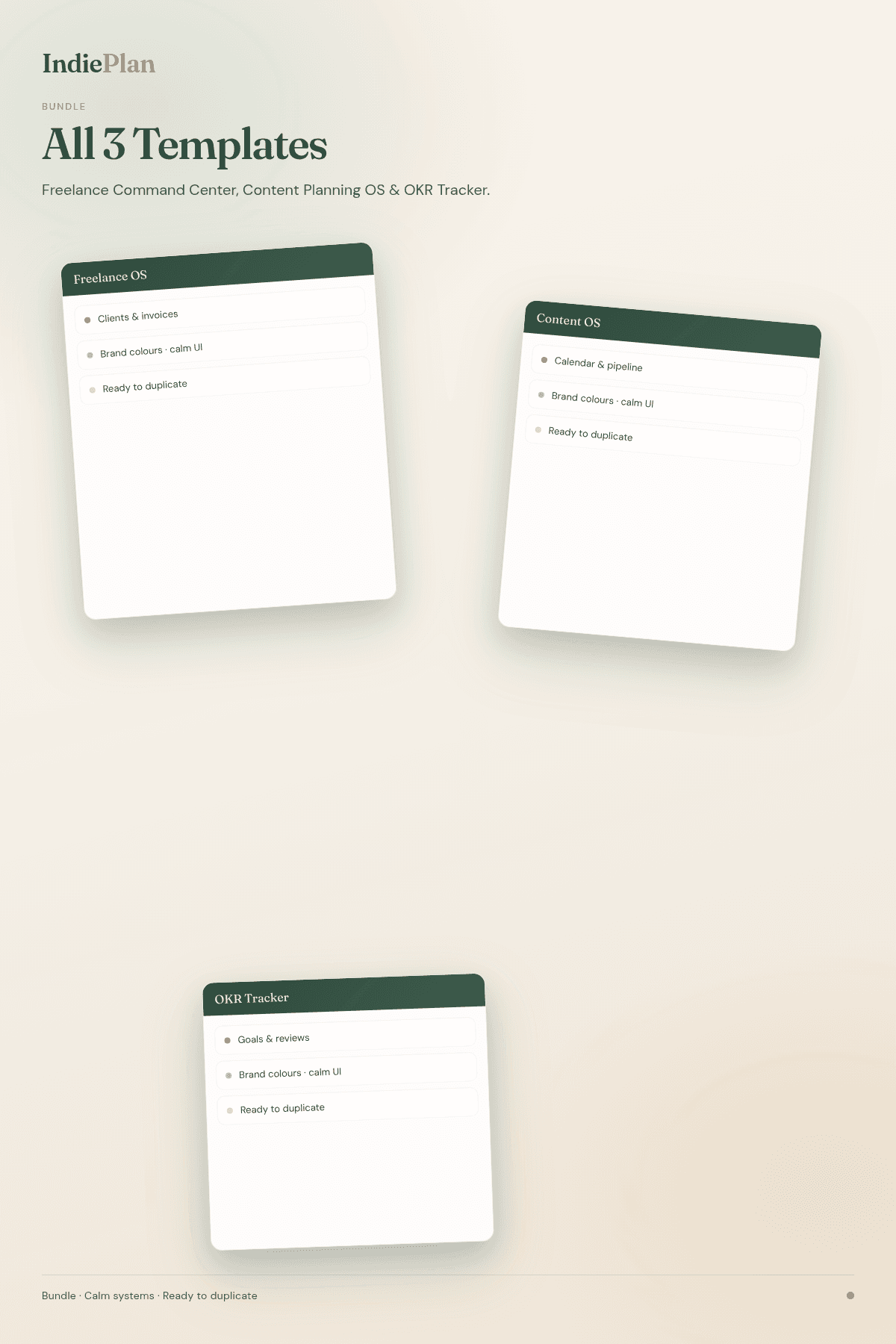
Freelance Command Center, Content Planning OS and OKR & Goal Tracker — the complete set.
Browse
Home organisation ideas that calm real UK flats.
Practical reading that ends with decisions made.
Weekly rhythms that keep the important work visible.
Connected systems for clients, content and life.
The complete system, for less than the parts.
Free resource
The Indie Weekly Planner is a genuinely useful Notion template for planning your week, staying on top of priorities and reviewing what actually moved forward.
The Indie Weekly Planner
“You don’t need a more complicated life. You need a better system.”
Most productivity advice adds things. Another app, another method, another habit to maintain on top of the ones you’ve already abandoned. It treats being disorganised as a discipline problem.
It usually isn’t. It’s a structure problem. When your clients, projects, money and goals each live somewhere different, no amount of willpower joins them up.
IndiePlan makes tools that do the joining up — so the things you care about sit in one place, connected, and you can get on with the actual work.
Good ideas build freedom
Plan the idea. Organise the work. Build the thing. Grow at your own pace.